Book, pay and ask questions in one clinic site
A physiotherapy clinic site with a free online consult, booking in full or a deposit to hold the slot, and an assistant that answers from the clinic's own documents and cites them.
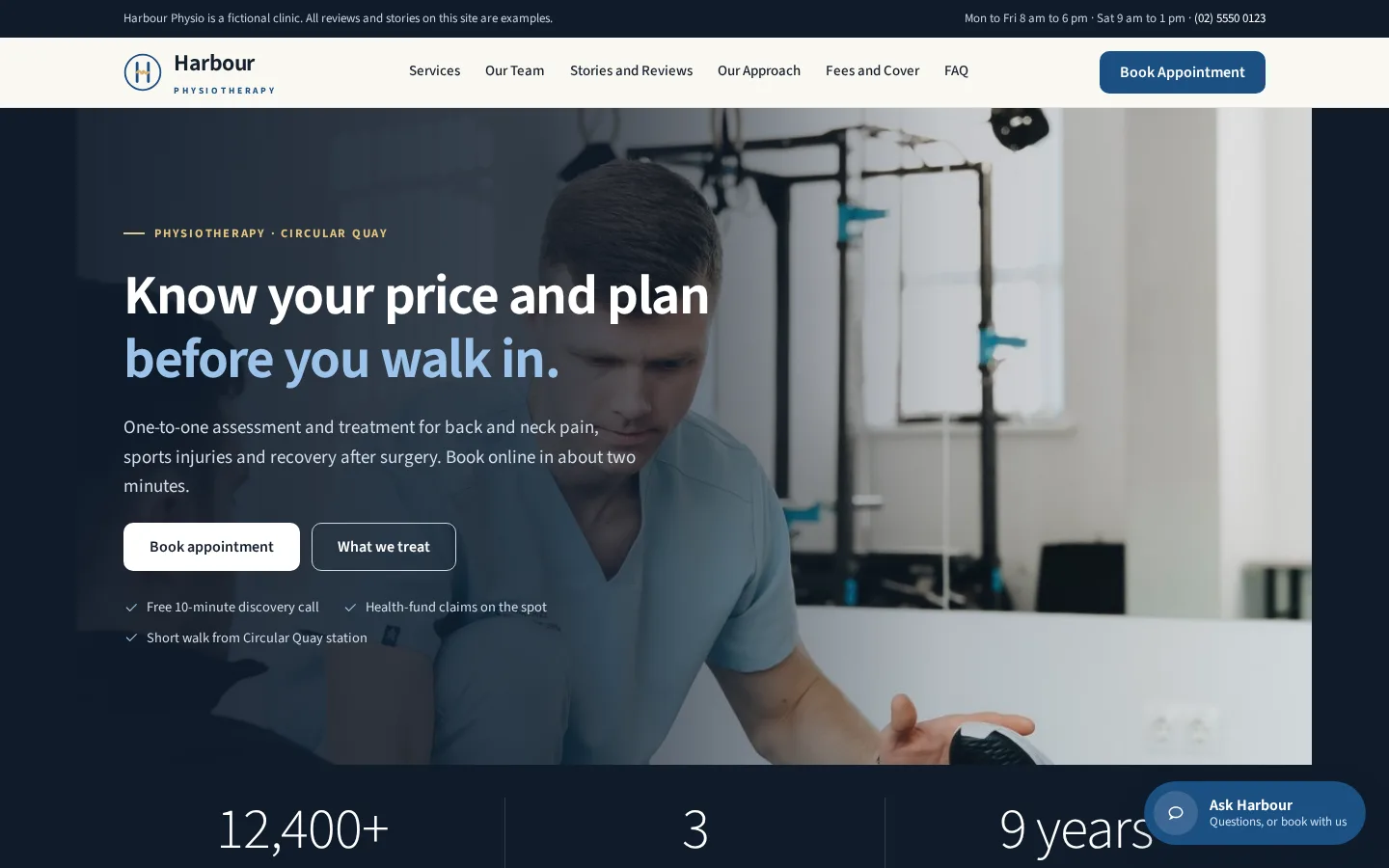
Harbour is the demo. Each of these is something I build for clients, and each can be scaled to the business.
Payments built in
Deposits, payment in full or invoices through a provider. A booking is confirmed only when the provider's signed notice arrives.
Automatic emails
Confirmations, reminders and follow-ups go out on their own, so nobody has to type them.
Live booking
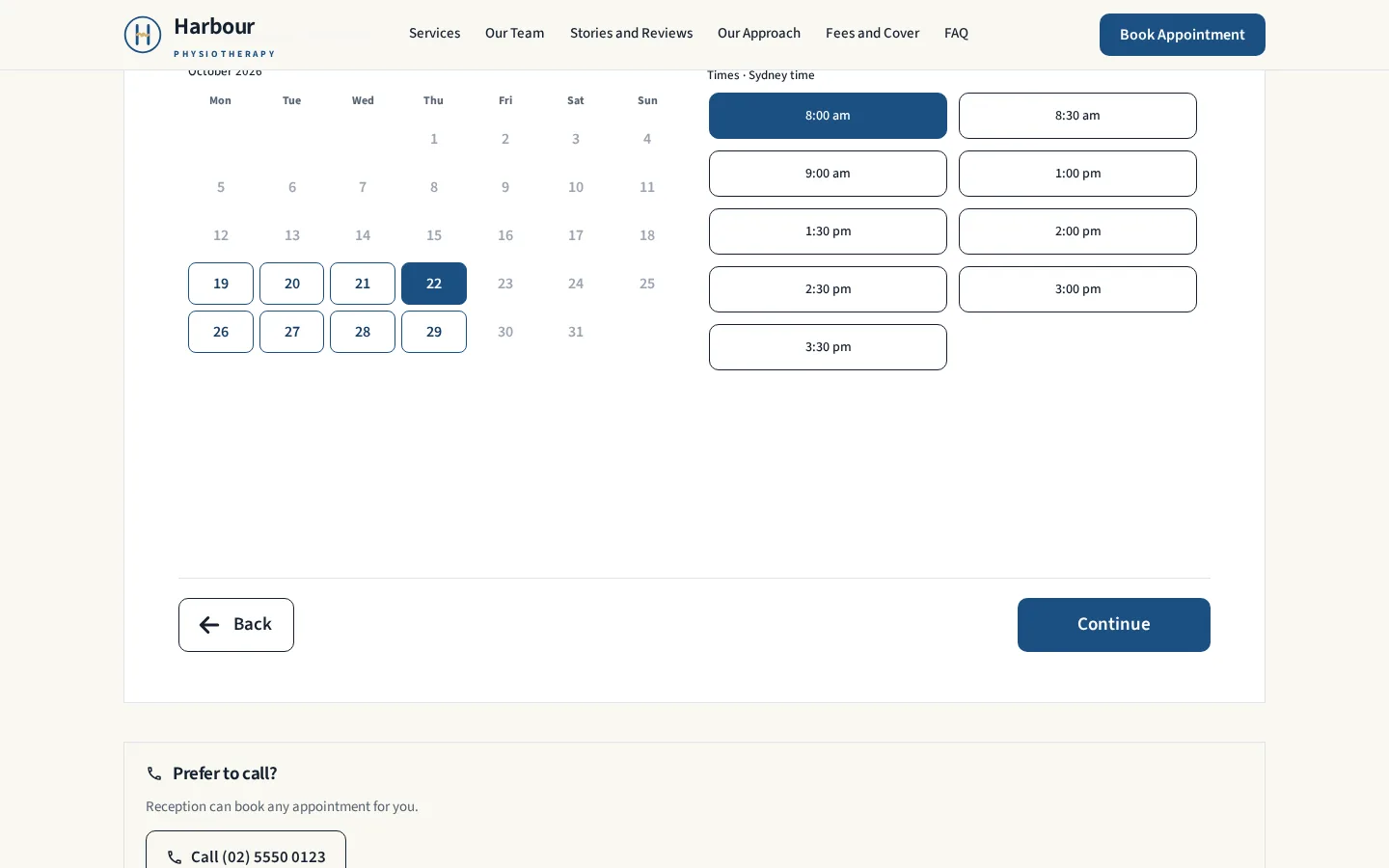
Availability comes from a real calendar. Holds stop double bookings, and clients can cancel or reschedule from their link.
An assistant grounded in your content
It answers with citations, books inside the chat, and gives fixed, safe replies where they are needed.
An internal monitoring page
A private page with its own logins shows what the chat and bookings are doing, and the questions it could not answer.
Found by search and AI
SEO, AEO and GEO built in: clean pages, structured data and answers that AI tools can read and cite.
One consistent design
The same look across every page, the chat and the phone, with a clear, easy path to book.
Lean to run, easy to hand over
Low running costs, documented, and handed over so you can run it and grow it yourself.
The same look on every page, shown top to bottom.

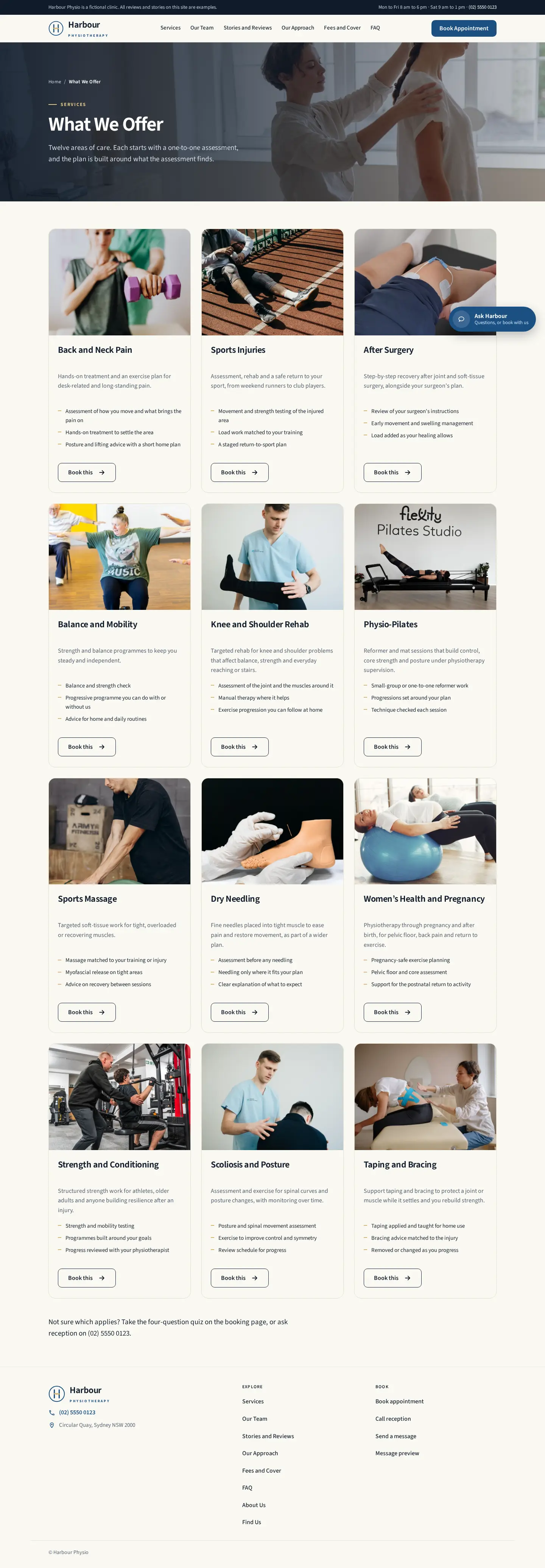
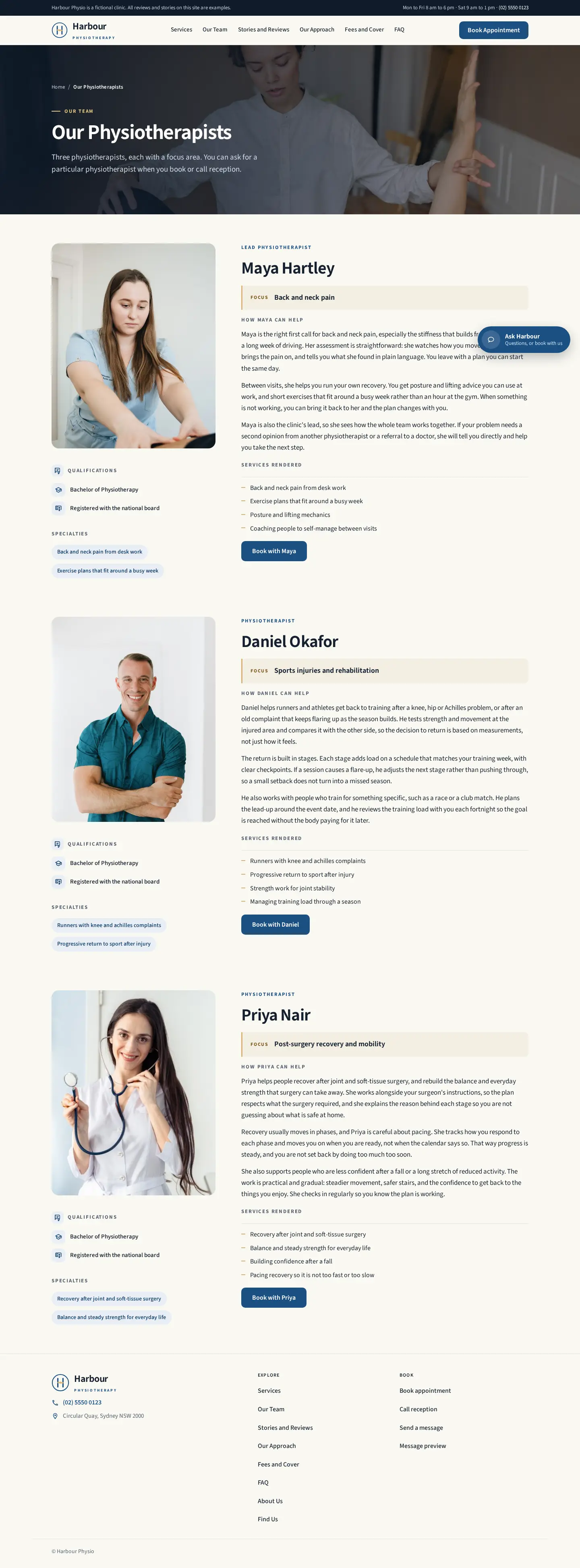
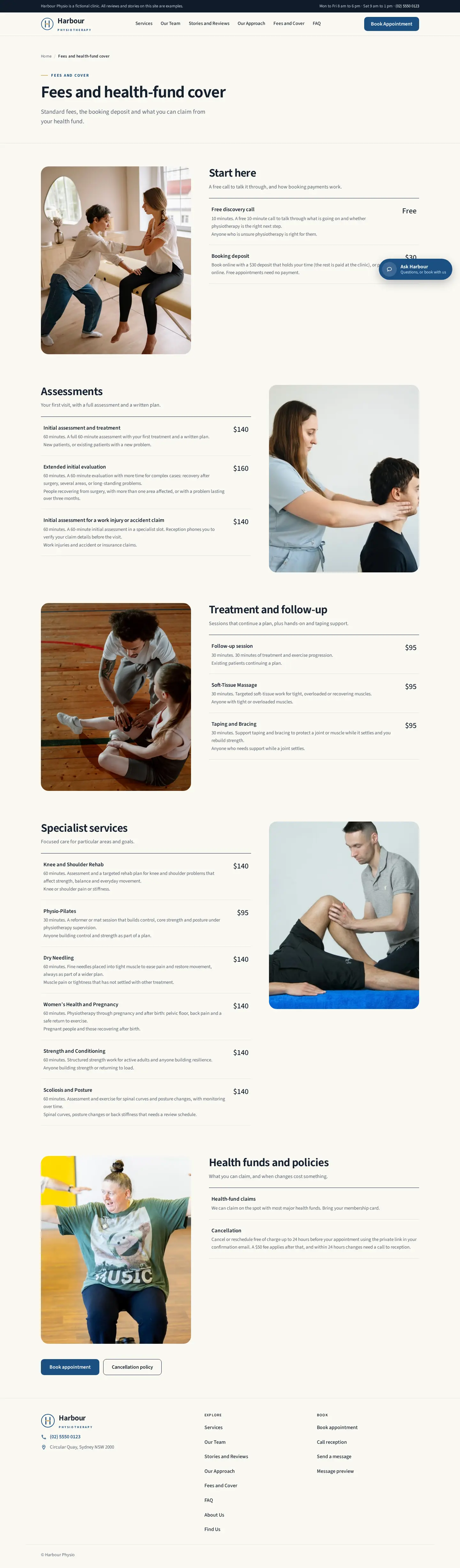
Answers come from the clinic's own information, with a link to the exact section. Clinical questions get a fixed, safe reply.
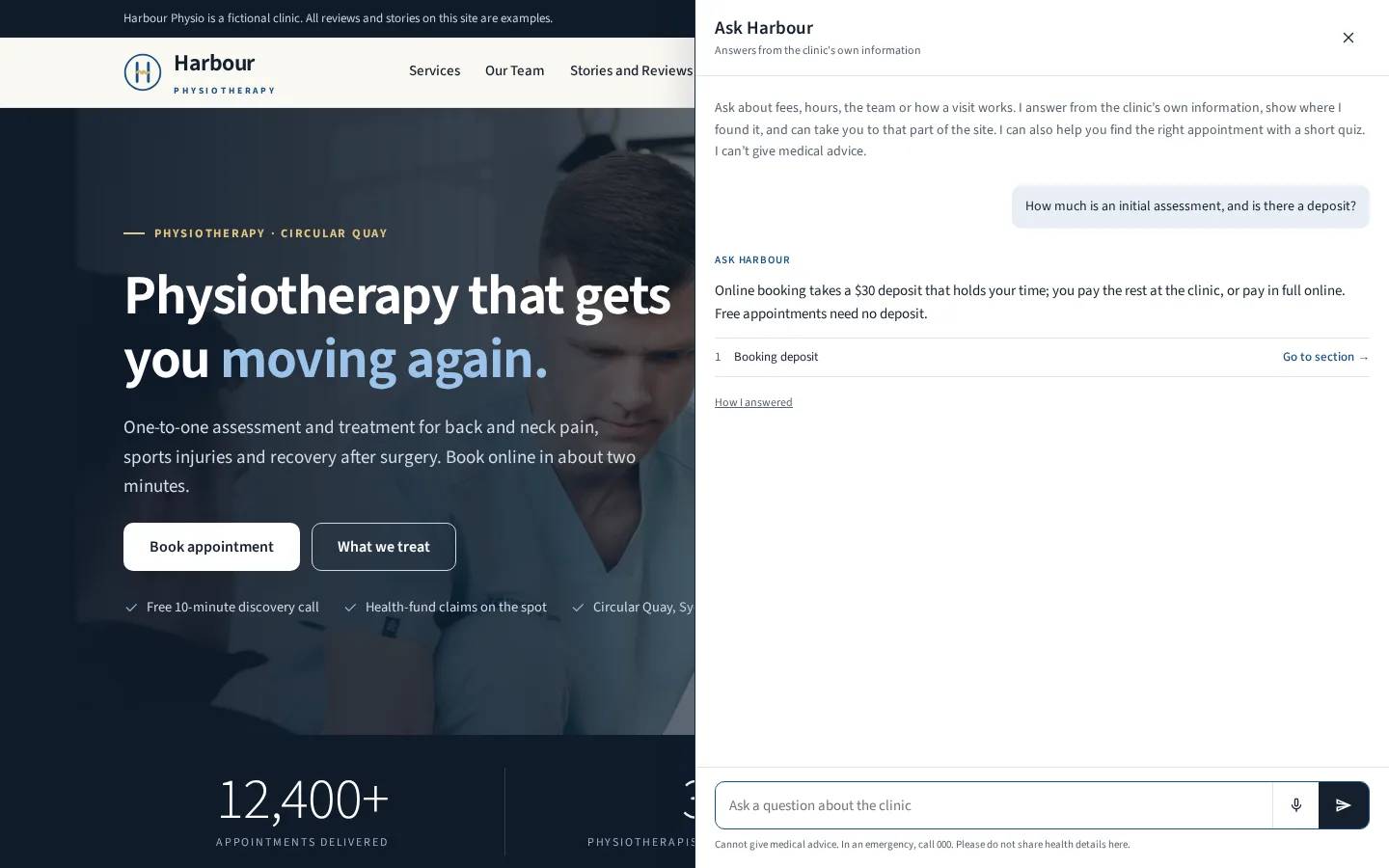
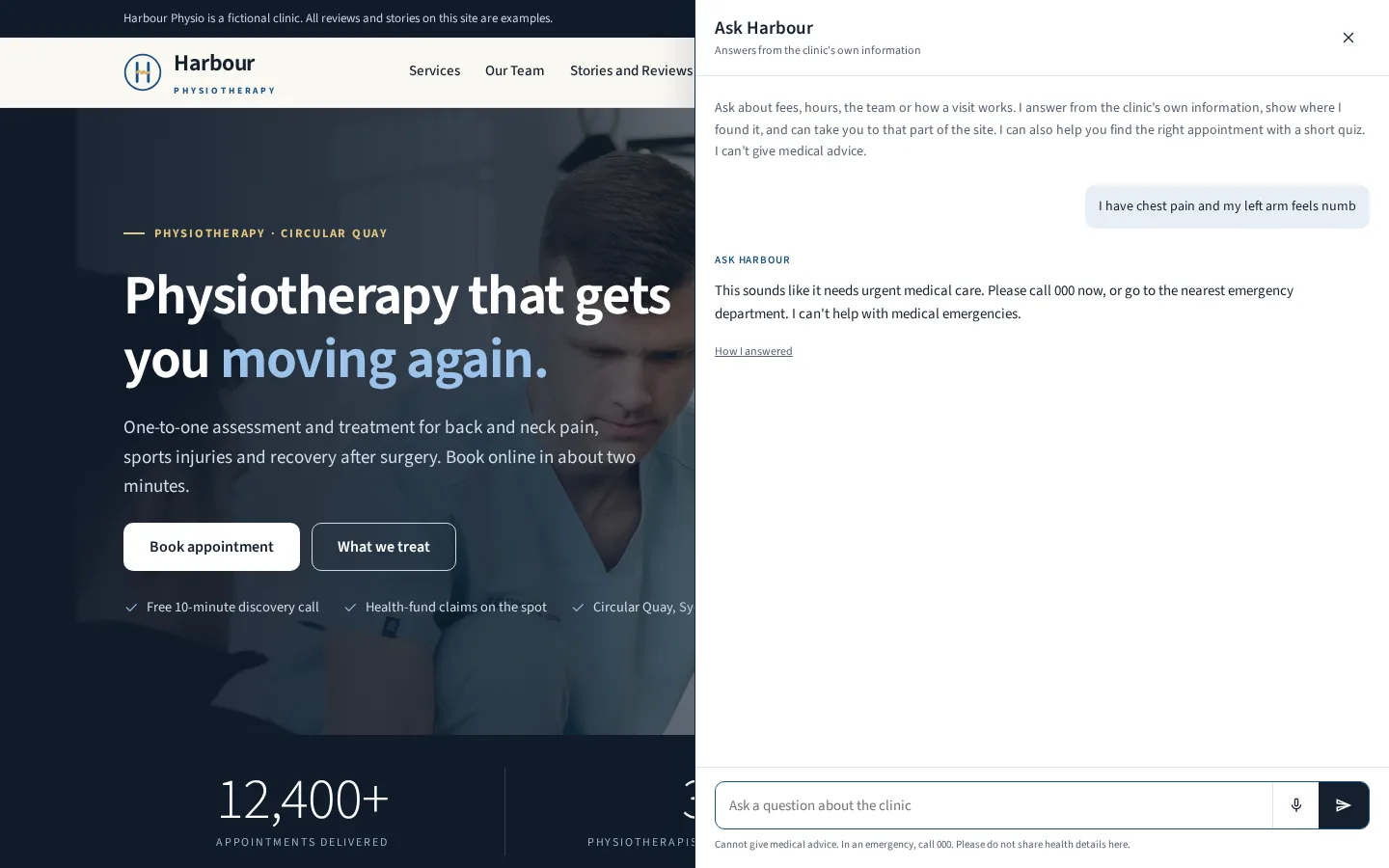
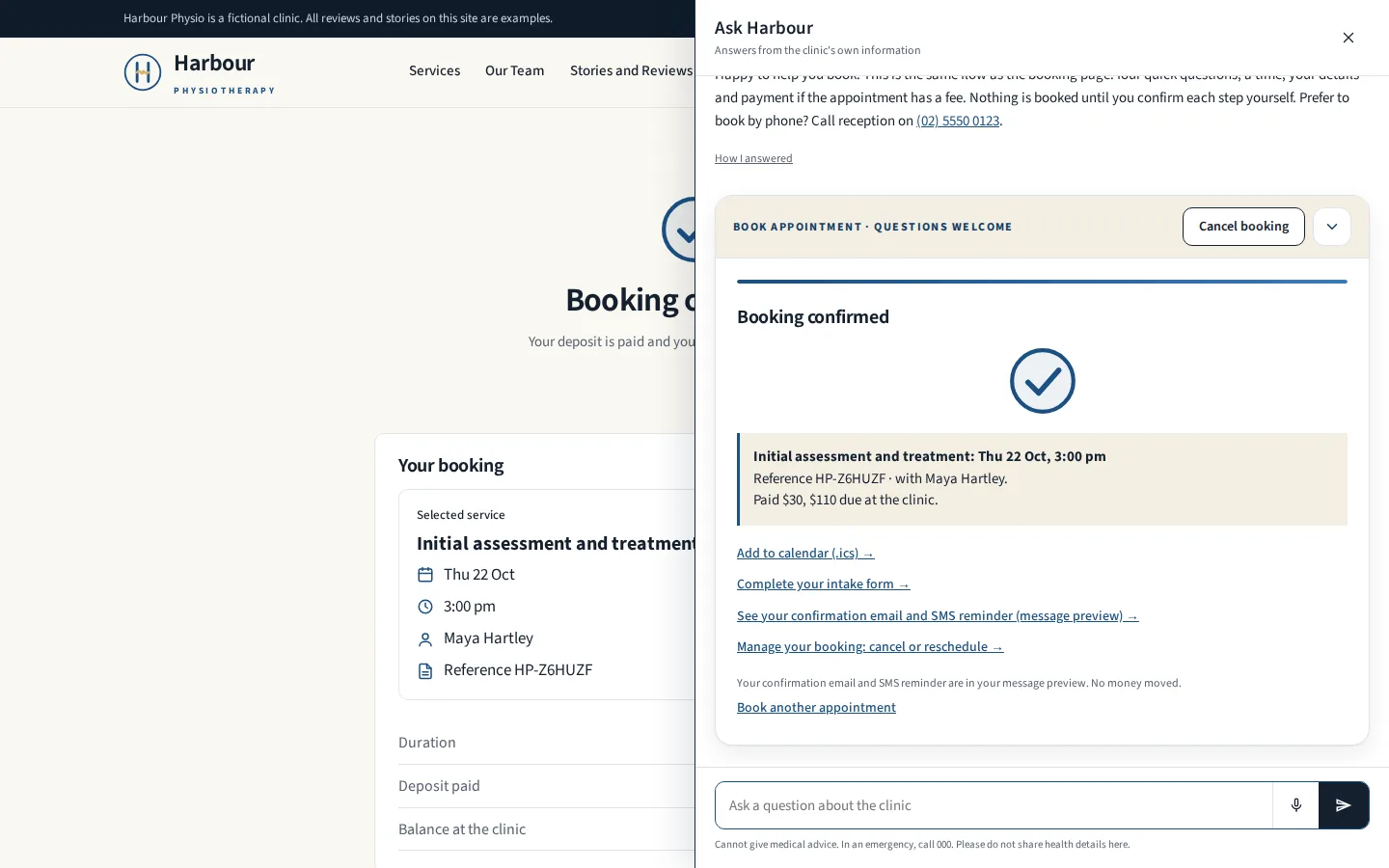
Starts in the assistant and ends with a confirmation after payment, without leaving the chat.
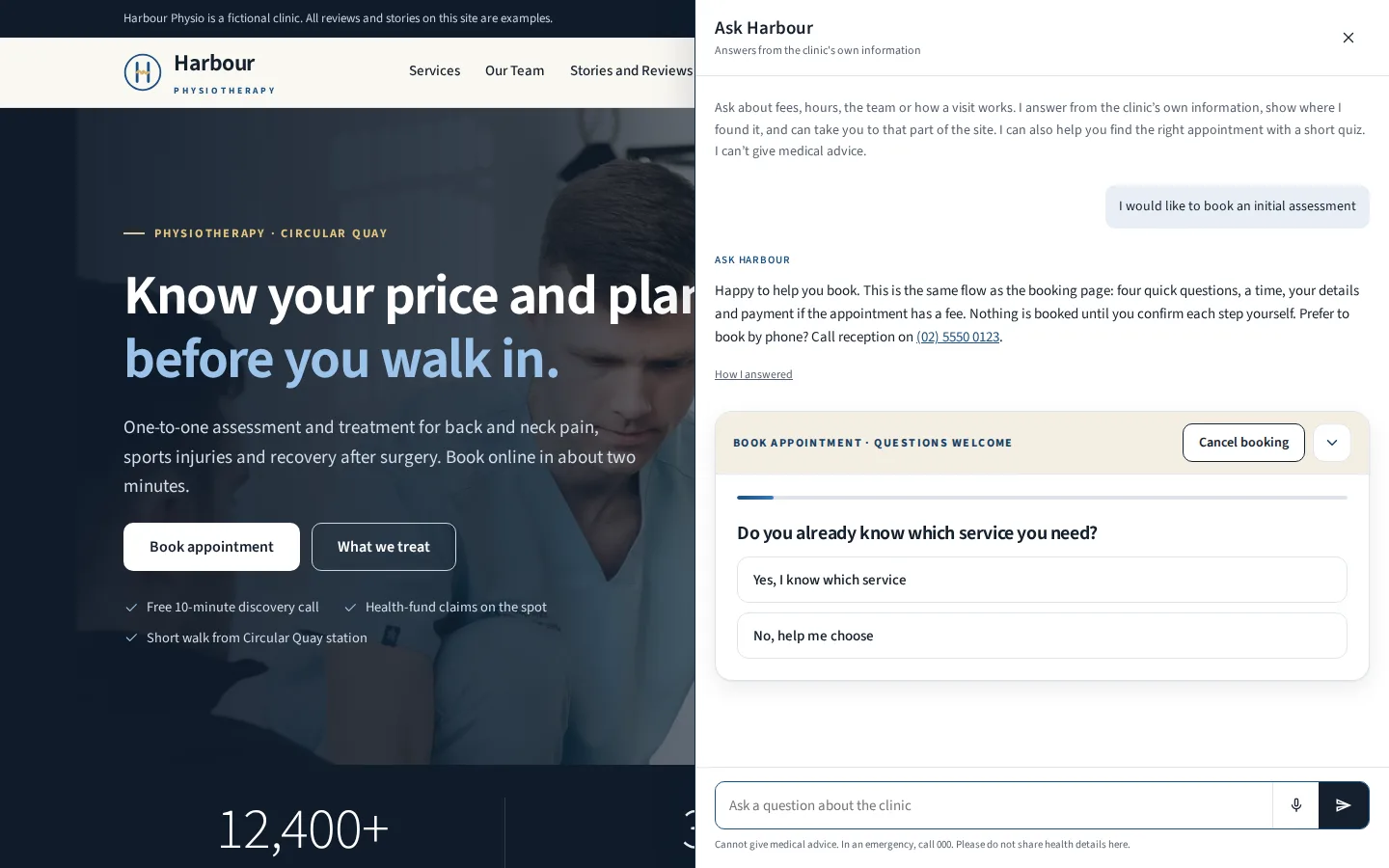
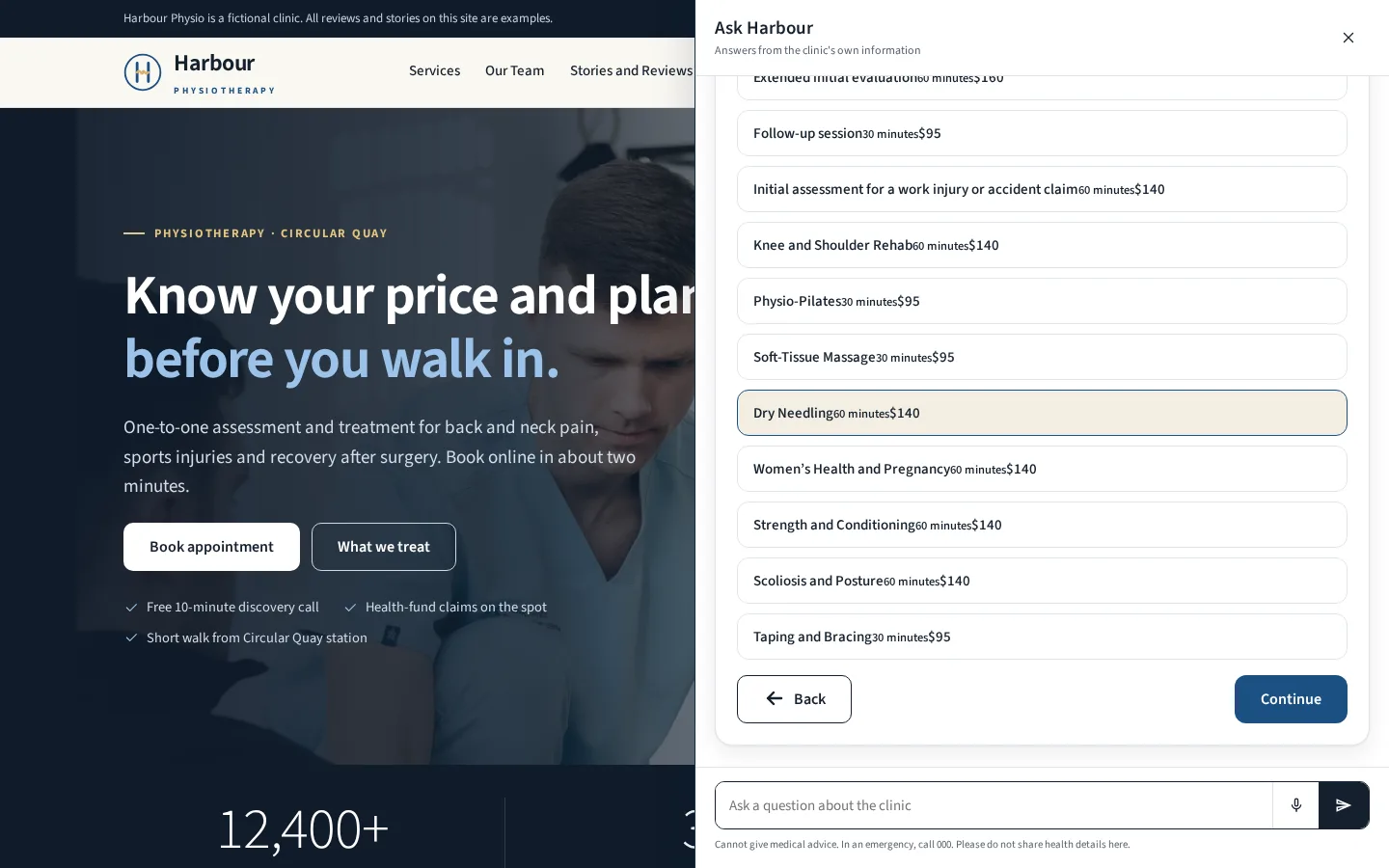
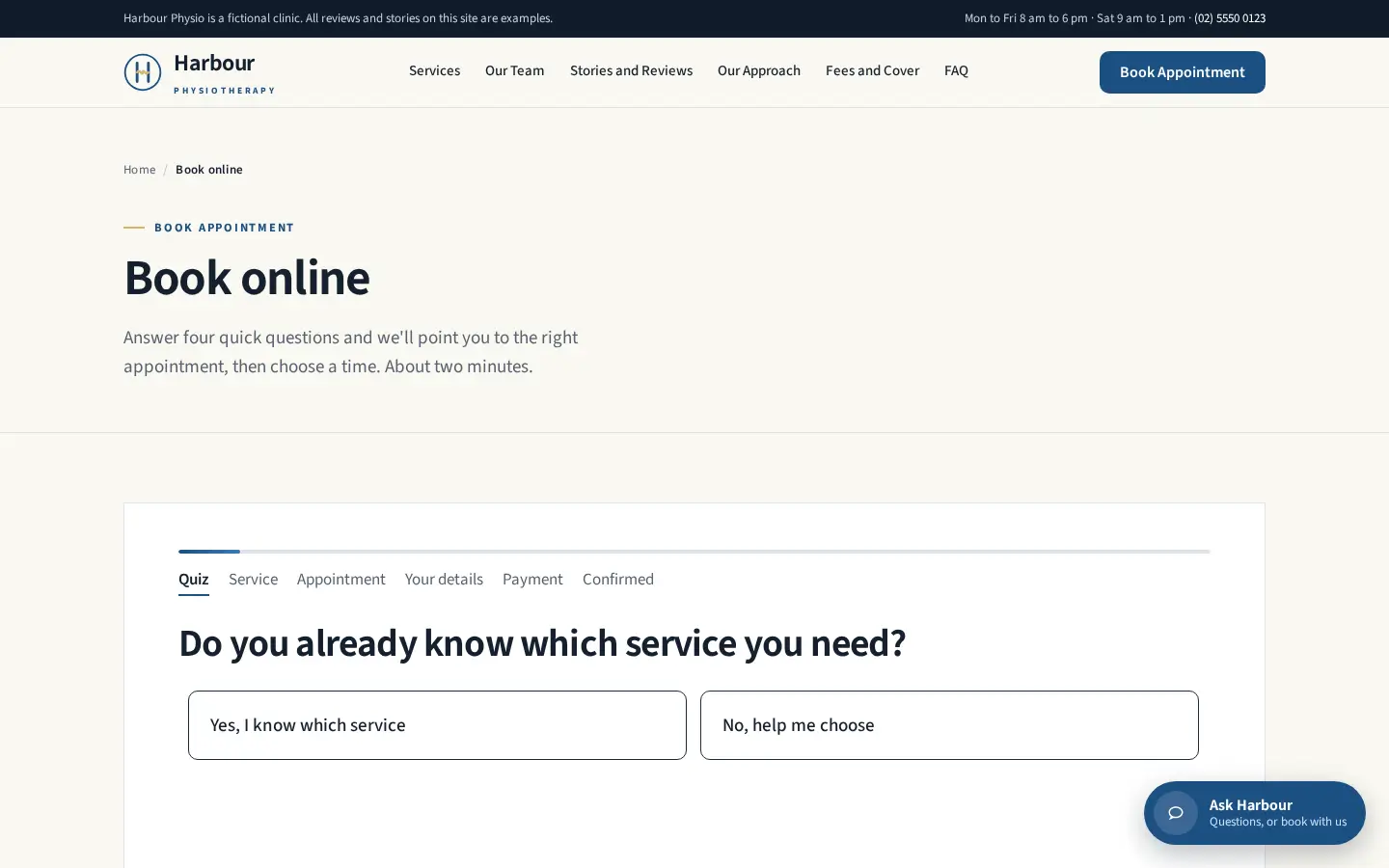
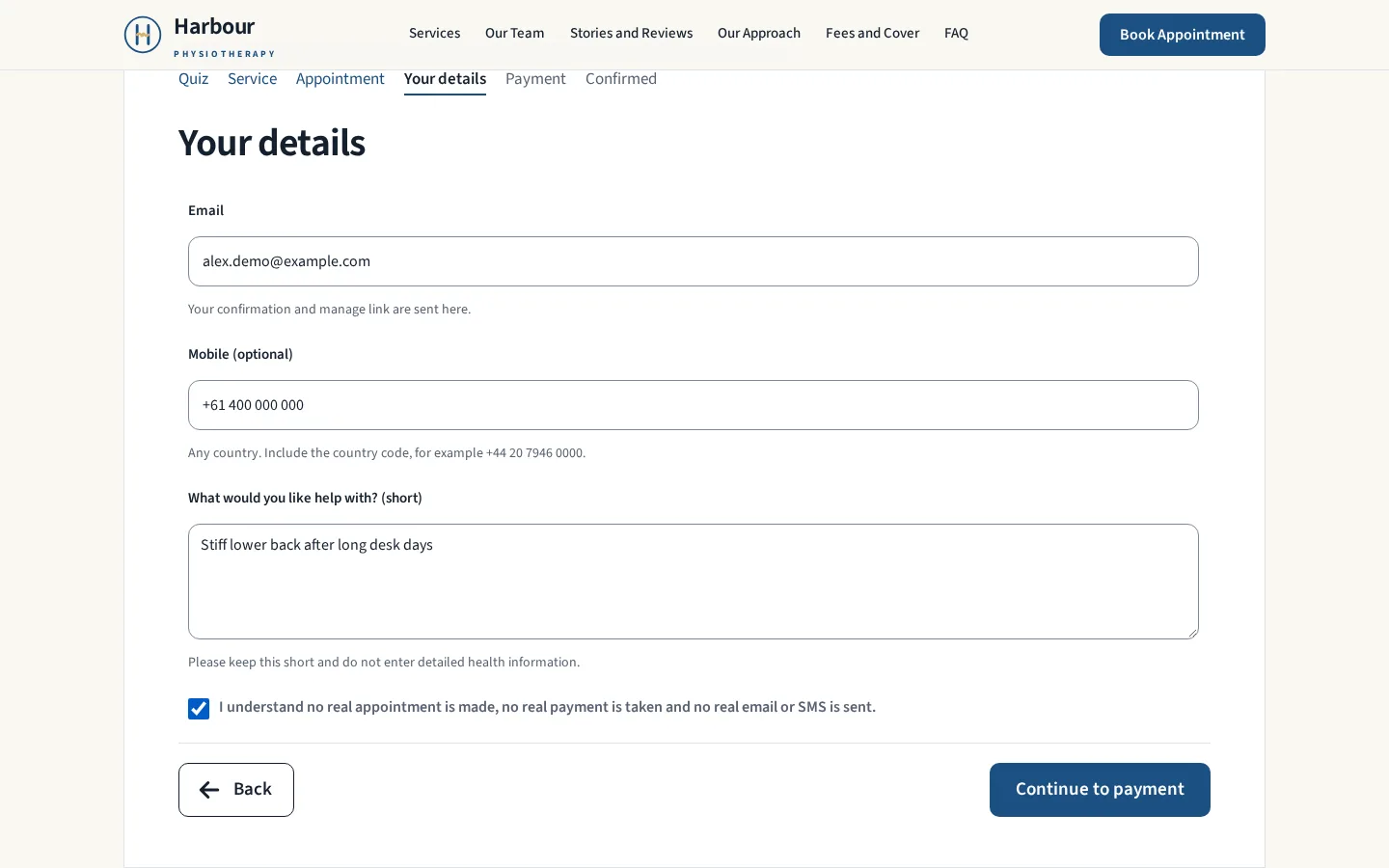
Starts from the Book appointment button, then the same steps, ending at Polar's checkout for the deposit.
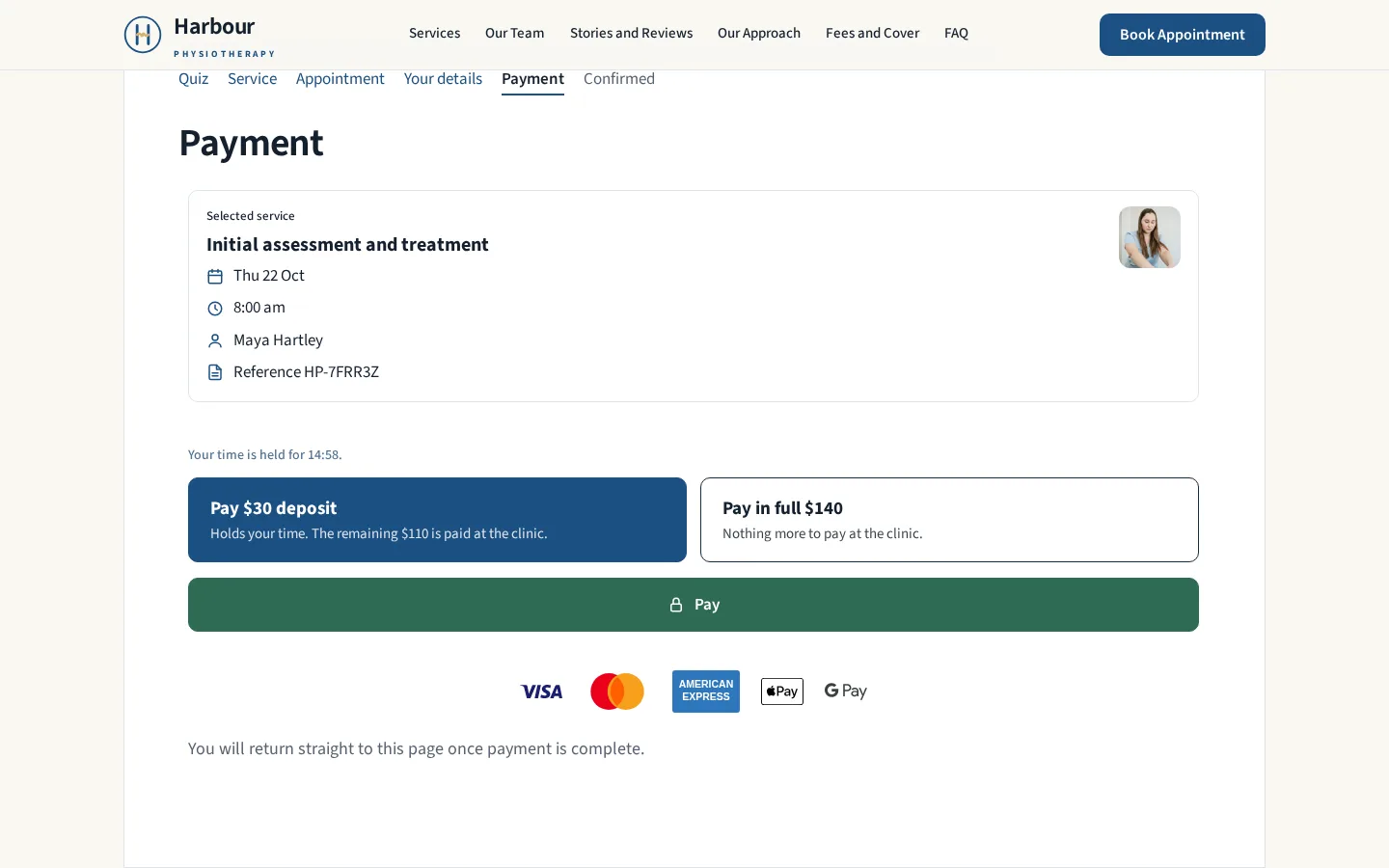
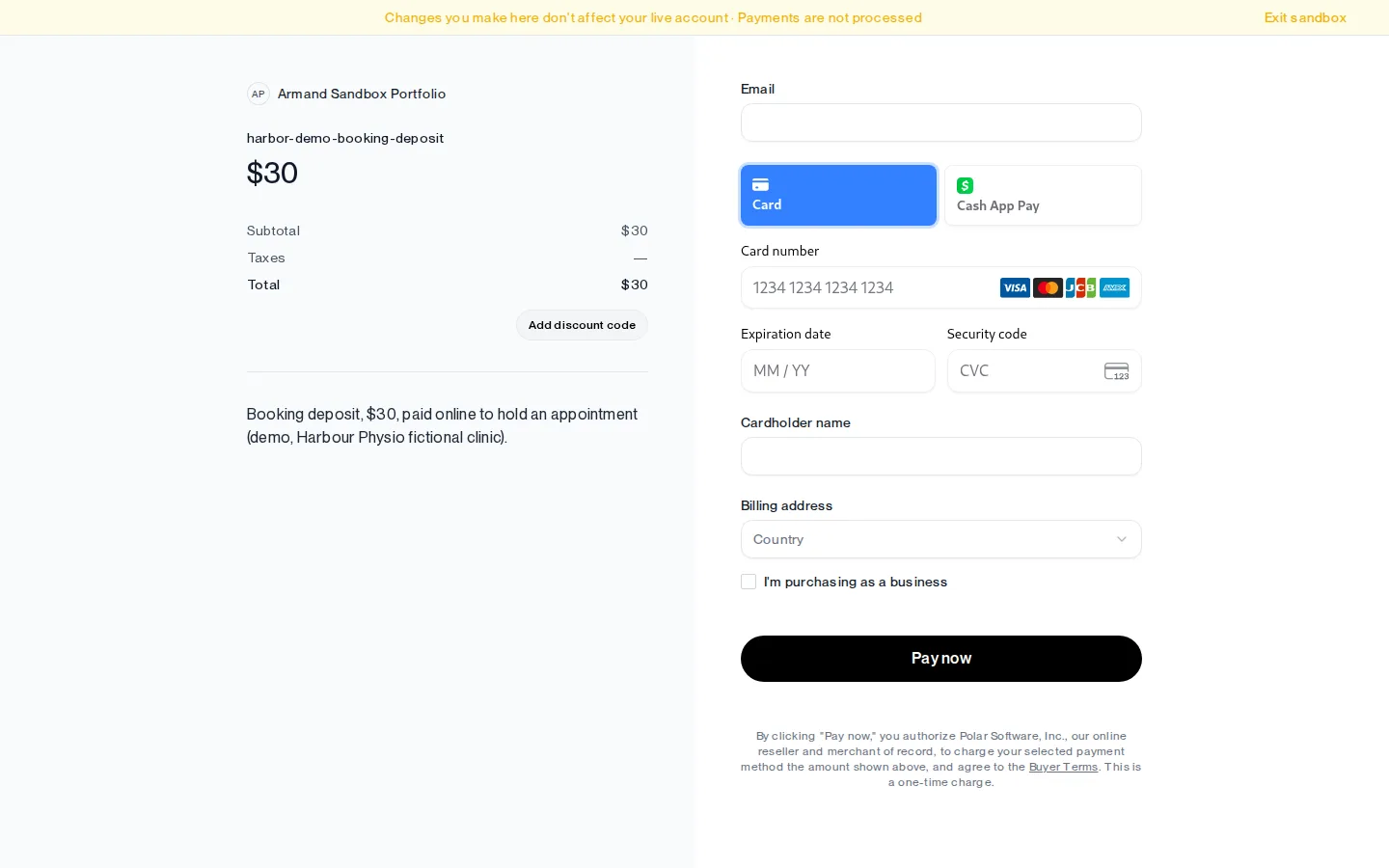
The same pages, top to bottom at phone width.



Bring your site into the agentic era
If you want features like these for your business, an assistant that answers from your own content, a booking flow that takes payment, and a site that search and AI tools can find, read and cite, let's talk. A free 30-minute call is the first step.